Free Curved Text Generator
Bend any text into circles, arcs, waves, and custom paths — right in your browser. Free forever, no signup, no watermark. Type below and watch your words curve instantly.
Draw-path mode: trace any shape on the canvas with your mouse or finger — your text will follow it.
Free, no signup — your text never leaves your browser. CurvedTextGen processes everything locally on your device.
Make curved text in 3 steps
Type your text
Enter the words you want to curve into the box above. Short phrases work best — two to five words bend cleanly around circles and arcs, while longer lines suit a gentle wave.
Pick a style or draw a path
Choose circle, arc, wave, or spiral — or select "Draw path" and trace any shape with your mouse or finger, from a heart to a squiggle. Adjust the font, colors, curve amount, letter spacing, and effects like outline and shadow while the live preview updates instantly.
Download your design
Hit Download PNG for social posts, thumbnails, and anything viewed on screen, or Download SVG for a crisp vector file that scales forever and cuts perfectly on Cricut and Silhouette machines. No watermark, ever.
What is a curved text generator?
A curved text generator is a free online tool that bends straight text along a curve instead of leaving it flat and horizontal. You type your words, pick a shape — a full circle, a gentle arc, a flowing wave, a tightening spiral — and each letter rotates to follow the path you chose. It is the same idea designers call "text on a path": the letters sit on an invisible line that you get to bend however you like. If you've ever wondered how to make text follow a path without design software, this is the shortcut — a curved text maker online that does the path math for you.
People reach for a curved text maker when straight text feels too plain. A business name wrapped in a ring becomes a badge logo. An arched "Happy Birthday" turns a homemade card into something that looks typeset. Wavy thumbnail text stops the scroll on YouTube. In short: a curved text generator free of paywalls and upsells, a curved text generator no watermark policy, a free curved text generator no signup requirement, and a curved text generator copy and paste workflow — download the PNG or SVG and drop it into any app. And because CurvedTextGen runs entirely in your browser, there is nothing to install and nothing to upload. Your words never leave your device, and you can tune spacing at the letter level until every curve looks right.
Five ways to bend your text
Every style below is built into the tool above — click a preset and your text re-flows instantly. Each one also has its own dedicated page with extra tips.
Circle
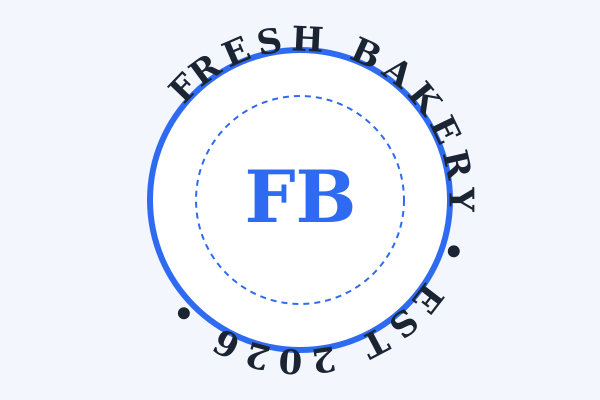
Wrap your words in a full ring — the classic badge and logo look. Dial in the radius and letter spacing, and snap words around the top or bottom of the ring. It is perfect for monograms, stickers, seals, and emblems, and it is the style most people picture when they search for a circle text generator. Try the circle text generator →
Arc
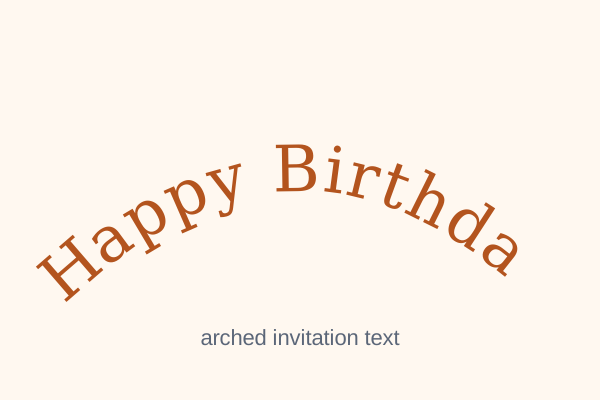
Bend text along a gentle arch, like a smile. The go-to style for headings, wedding invitations, and party banners — adjust the steepness from a subtle lift to a deep curve. Arcs keep every word easy to read while adding instant polish, which is why an arc text generator gets so much use for invitations and certificates. Try the arc text generator →
Wave
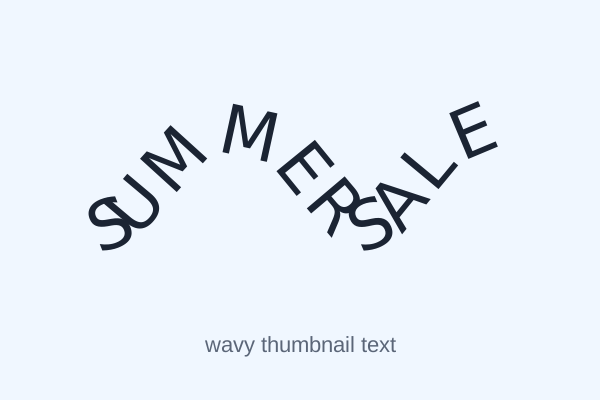
Give your words a flowing, rhythmic motion. Wavy text brings energy to YouTube thumbnails, TikToks, Reels, and posters — tune the wave height with the curve slider until it feels right. Short, punchy phrases ride a wave best. Try the wavy text generator →
Spiral
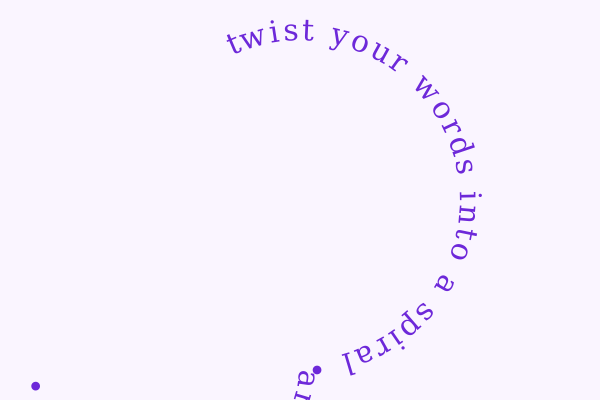
Twist text inward along a tightening coil for an artistic, eye-catching effect. Spirals turn a single word or short phrase into the centerpiece of a poster, album cover, or creative project. Keep it short and bold — spiral typography is decoration first. Try the spiral text generator →
Draw path (freehand)
The ultimate custom option: draw literally any path — a heart, a swoosh, your signature — and watch each letter follow it with proper rotation. Full creative control with zero design skills required. On a phone or tablet you draw with your finger; on desktop, with your mouse.
Why use CurvedTextGen
- Free, no signup. Every style, every font, every export. No account, no email, no paywall hiding the features you actually need.
- PNG + free SVG export. Crisp raster images for screen, true vector files for print, logos, and cutting machines. Several competing text generators charge for SVG or don't offer it at all.
- Transparent background option. Select the curved text transparent background option (the Transparent bg toggle) and download text with no background, so it layers cleanly over photos, videos, and colored designs.
- Upload your own photo. Drop any JPG or PNG onto the canvas and curve text right over it: captions, watermarks, meme text, thumbnail titles.
- Classic fonts with full styling. Six dependable fonts, your choice of text color and background color, bold and italic toggles, outline and shadow effects, letter spacing, rotation, and curve control — all with live preview.
- Draw-your-own text paths. Finger or mouse, on desktop or touch screens. If you can doodle it, your text can follow it.
- Fast and private. The whole tool is one lightweight page that loads in a snap. Everything runs locally in your browser, so your words are never uploaded anywhere, your designs stay private by default, and your texts are ready to download as PNG or SVG in one click.
What people make with curved text
Logos & badges
Wrap your business name around a circle for a clean badge logo, then export an SVG that stays razor-sharp from a tiny favicon to a printed sign. It is the fastest route to a professional-looking emblem with zero design software — and a tidy badge helps small businesses win customers at a glance. Start with the circle logo maker if a badge is what you're after.
Instagram stories & Reels
Wavy, arched captions stand out in a feed full of straight text. As curved text for Instagram, export a transparent PNG and drop it directly onto your story, Reel cover, or TikTok thumbnail for instant style — this curved text generator for Instagram use needs no app and no account. Make curved text for stories/reels that stops thumbs mid-scroll, and because the background is transparent, the text sits naturally over your video stills.
YouTube thumbnails
Curved, high-contrast text pulls eyes on a crowded results page. Pair a bold arc or wave with the outline and shadow effects and your thumbnail stops the scroll. Export at full canvas size for crisp results at 1280×720 — curved text for thumbnails is one of the simplest click-through upgrades a creator can make.
Cricut & cutting projects
Download a true vector SVG and cut it on your Cricut or Silhouette — no tracing, no jagged edges. Decals, shirts, stickers, and vinyl lettering all start here. (Full guide below.)
Invitations & cards
Arched names on wedding invitations, birthday cards, and party invitations look professionally typeset in seconds. Circle text makes a lovely monogram for the front of the card, and a gentle arc suits formal wording without hurting readability.
Posters & flyers
Circle text for event posters, wavy text for sale flyers, spiral text for the artistic centerpiece. Use curved text for posters/flyers and your marketing materials look designed, not default — built in your browser in under a minute.
From browser to blade: curved text for Cricut & cutting machines
If you cut vinyl, you need vector — and that's exactly what the free SVG export gives you. Type your text, bend it along any path, and download a clean SVG file that opens directly in Cricut Design Space or Silhouette Studio. No tracing in separate software, no jagged bitmap edges, no premium upsell standing between you and the file.
Use PNG for print-then-cut projects and anything viewed on screen; use SVG for pure cut projects — decals, iron-on shirts, stickers, stencils — where the machine follows vector paths. Because the SVG is a true text-on-a-path export (not a traced image), your cut lines stay perfectly smooth at any size. If you're new to uploading cut files, Cricut's official help center walks through importing SVGs into Design Space step by step.
Read the full walkthrough: Curved Text for Cricut → — import steps for Design Space and Silhouette Studio, SVG vs PNG explained, and cutting tips for clean weeding.
Curved text vs word art
If you grew up with Microsoft Word, you probably remember WordArt — those rainbow, wavy headline styles from the 2000s. WordArt bends text too, so what's the difference in the curved text vs word art debate? WordArt is a preset effect inside an office app: you pick from a fixed gallery of looks and accept whatever curve it gives you. A curved text generator gives you the actual path to control — radius, arc height, wave size, letter spacing — and exports files WordArt can't, like transparent PNGs and true vector SVGs.
The other big difference is where the file can go. WordArt lives inside your document. CurvedTextGen hands you a download you can drop into Canva, Photoshop, Cricut Design Space, or straight onto Instagram. For anything beyond a quick document header — logos, thumbnails, vinyl cuts — a dedicated tool wins.
Two related questions come up a lot. First: some people search for a warp text generator meaning the same thing. Strictly speaking, warping distorts the letterforms themselves while curving moves whole letters along a path — this tool curves, which keeps every character crisp and readable. Second: Canva users ask how to curve text in Canva. Canva's built-in curve effect is basic and hard to fine-tune; a faster route is bending your text here and pasting the transparent PNG straight into your Canva design.
How to curve text on your phone
Most design apps make you pinch, drag, and squint to bend text on a small screen. Here's how to curve text online — and how to curve text on phone specifically — without installing anything: open this page in your phone's browser and the tool works exactly like it does on desktop. Type your text, tap a style preset, and drag the sliders — they're all sized for thumbs.
Two phone-specific tips. First, the Draw path mode is genuinely easier with a finger than a mouse — tracing a heart or swoosh feels natural on a touchscreen. Second, keep your text short when designing on mobile; it's tempting to write a whole sentence, but three to five words curve far more cleanly, and you can always check the result at full size with the PNG download before you share it.
Frequently asked questions
What is a curved text generator?
A curved text generator is a free online tool that bends straight text along a curve — a circle, arc, wave, spiral, or any path you draw. Instead of flat, horizontal words, your text follows the shape you choose. Designers use it for logos, badges, and thumbnails; crafters use it for Cricut projects. CurvedTextGen runs entirely in your browser.
How does it work?
Type your text into the box, pick a style — circle, arc, wave, spiral — or draw a custom path with your mouse or finger. The tool renders your words along that path on a live canvas with instant preview. Adjust fonts, colors, spacing, and radius until it looks right, then download the result as a PNG or SVG file.
Is it really free?
Yes — every style, every font, and both PNG and SVG exports are free with no limits. There is no premium tier hiding the features you actually need, unlike some editors that lock vector export behind a paywall. The tool stays lightweight and free for everyone.
Do I need to sign up or create an account?
No. There is no signup, no login, and no email required — open the page and start curving text immediately. Your text is processed locally in your browser, so nothing you type is ever uploaded to a server or tied to an account. That also means your designs stay private by default.
How do I download my design as a PNG?
Click the Download PNG button under the canvas and the curved text PNG download saves straight to your device. PNG is a raster format, ideal for Instagram posts, YouTube thumbnails, and anything viewed on screen. Choose a transparent background if you want to layer the text over photos or colored designs in another app.
How do I get an SVG file?
Click Download SVG and the curved text SVG download exports your design as a true vector file. Unlike PNG, SVG scales to any size with zero pixelation, which makes it the right choice for logos, print work, and cutting machines. Our SVG export is completely free — several competing tools charge for it or don't offer it at all.
Can I put curved text on a photo?
Yes. Use the image-upload option to load any JPG or PNG from your device, then bend your text along whatever path fits the picture — an arc over a landscape, a circle around a portrait. Position, resize, and style the text on top of the photo, then download the finished design as a PNG file.
Does it work on phones and tablets?
Yes — the tool is built mobile-first. The canvas supports touch, so you can draw custom paths with your finger, and all controls are sized for tapping. Everything that works on desktop works on your phone: all five styles, fonts, colors, image upload, and both PNG and SVG downloads.
Which curve styles are available?
Five: Circle wraps text in a full ring (great for logos and badges); Arc bends it along a gentle arch (invitations, headings); Wave gives a flowing rhythm (thumbnails, social posts); Spiral twists words inward (artistic designs); and Draw path lets you trace any shape — hearts, squiggles, signatures — for the text to follow.
Can I use it to make a logo?
Absolutely — circle text is the classic badge-logo look. Wrap your business name around a ring, leave the center free for a monogram or icon, and export an SVG so the logo stays razor-sharp at any size, from a favicon to a storefront sign. Our dedicated circle logo maker page walks through the whole process step by step.
What does "text on a path" mean?
"Text on a path" is the design term for letters that follow a line or curve instead of sitting straight. The "path" can be a circle, an arc, a wave, or any shape you draw — the same concept behind SVG's textPath element documented by MDN. Our tool is a text on a path generator: you define the path, and each character rotates so the text follows path curves naturally.
How do I make curved text for my Cricut?
Create your design, then click Download SVG — Cricut Design Space and Silhouette Studio both import SVG files directly for cutting. Because it's a true vector (not a traced bitmap), your cut lines stay smooth with no jagged edges. Use PNG only for print-then-cut projects. Our Cricut page covers import steps and cutting tips.
Can I get a transparent background?
Yes. Leave the background set to transparent and your PNG downloads with no background at all — just the text. That's what you want for layering curved text over photos, colored backgrounds, or video thumbnails in another editor. SVG exports are transparent by nature.
Can I copy and paste the result into another app?
Yes — this curved text generator is built with copy and paste in mind. Download the PNG and paste it into Canva, Photoshop, Word, or any editor that accepts images — transparent-background PNGs layer cleanly. For the sharpest results in design software, use the SVG instead: it pastes as editable vector paths in Illustrator, Figma, Inkscape, and similar tools.
More free text tools
One trick not enough? Each of these mini-tools is built for a single job — same free, no-signup, instant-download promise as the main generator.
Circle Text Generator
Wrap words in a perfect ring for logos, badges, and stickers.
Arc Text Generator
Gentle arches for headings, invitations, and banners.
Wavy Text Generator
Flowing waves for thumbnails, TikToks, and social posts.
Spiral Text Generator
Twisted spirals for artistic, eye-catching designs.
Curved Text on Photo
Upload any image and bend text right over it.
Curved Text for Cricut
Free SVG export tuned for Cricut and Silhouette cutting.
Circle Logo Maker
Badge-style logos with circular text, monograms, and emblems.